How to Load Gomo SIM – Easy Guide Using App, GCash & Online
Gomo is a brand of Globe Telecom that offers high-speed connections, exclusive promos, and 5G SIM cards with no expiry data. If you are a Gomo user in the Philippines and want to know How to load Gomo SIM, then you have reached the right place. You can load your SIM by using the GOMO PH and GCash app, but make sure you have already done the Gomo SIM Registration process.
What is GOMO SIM?
It is a Prepaid SIM card that provides roaming promos and comes with the feature no expiry data. That means your data will never expire after a specific period. Moreover, you can’t load directly to your Gomo Number. First, you need to send the load to the GCash app and then buy promos. Gomo permits users to convert data promos to calls and texts via Mo Creds. For a seamless internet connection, Gomo pocket wifi is the perfect choice and you need to configure GOMO SIM APN settings.
How to load Gomo SIM – step-by-step Guide 2025
There are three methods to buy load, including the GOMO PH, GCash app, and Lazada or Shopee. Here is the detail given below.
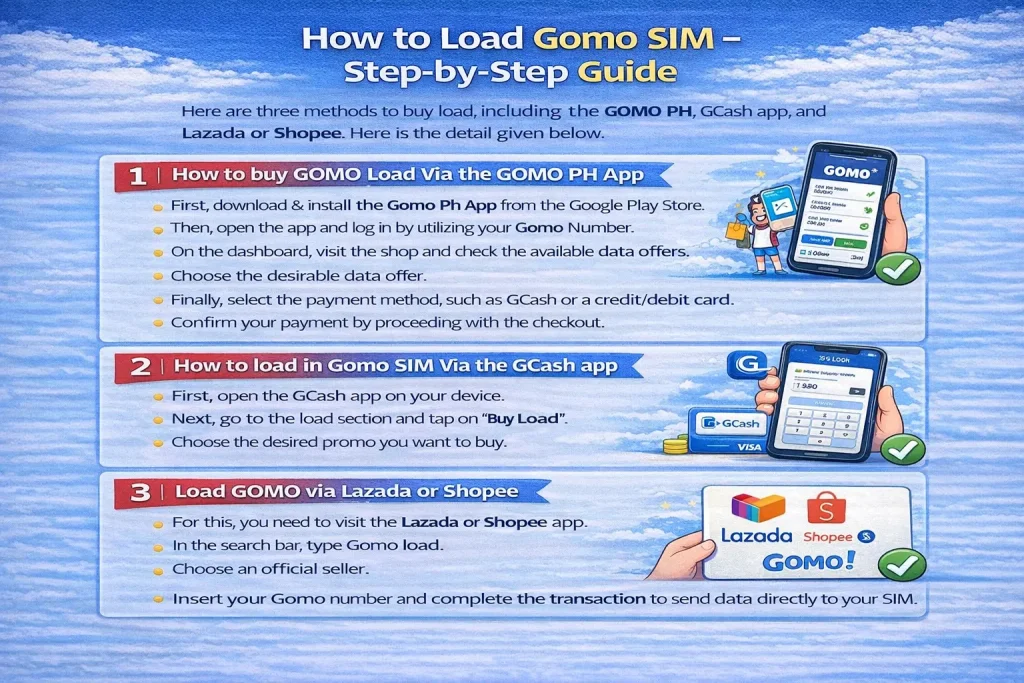
1. How to buy GOMO load Via the GOMO PH App
It is a quick and advanced method to load Gomo via the Gomo app download. Follow the steps below.
- First, download & install the Gomo Ph App from the Google Play Store.
- Then, open the app and log in by utilizing your Gomo Number.
- On the dashboard, visit the shop and check the available data offers.
- Choose the desirable data offer.
- Finally, select the payment method, such as GCash or a credit/debit card.
- Confirm your payment by proceeding with the checkout.
2. How to load in Gomo SIM Via the GCash app
Gomo SIM card how to load through the GCash app is a quick and straightforward process. It is an alternative method if you don’t want to use the official Gomo App. Follow the simple steps mentioned below.
- First, open the GCash app on your device.
- Next, go to the load section and tap on “Buy Load”.
- Choose the desired promo you want to buy.
- Insert your Gomo Number and complete the transaction.
3. Load GOMO via Lazada or Shopee
This is another convenient method to purchase GOMO data promos. Here are instructions to follow.
- For this, you need to visit the Lazada or Shopee app.
- In the search bar, type Gomo load.
- Choose an official seller.
- Insert your Gomo number and complete the transaction to send data directly to your SIM.
How to load Gomo SIM without GCash?
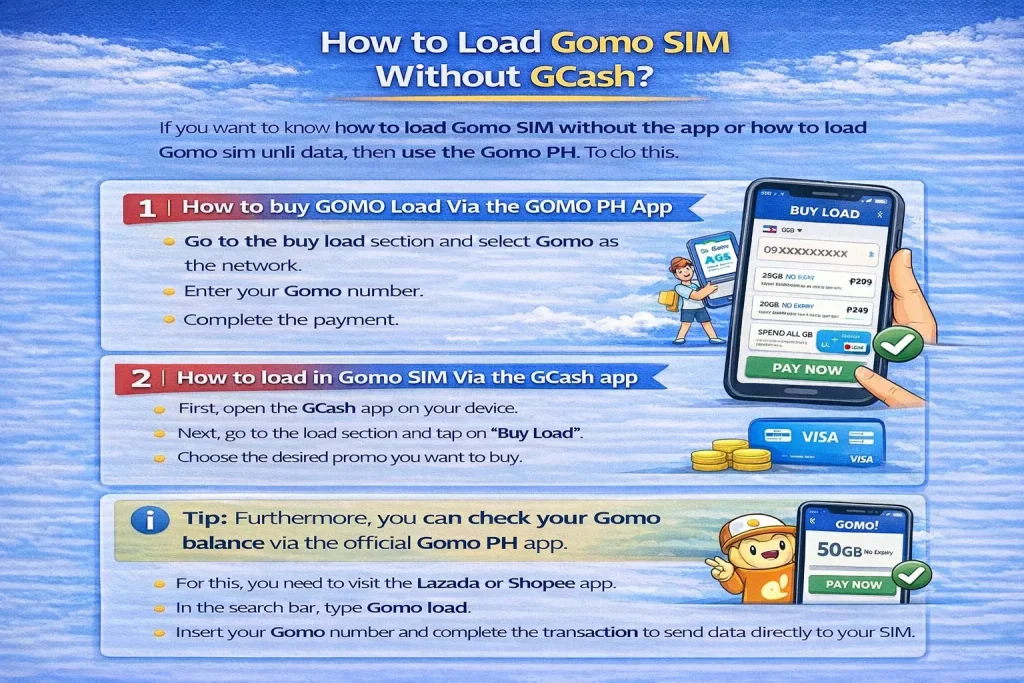
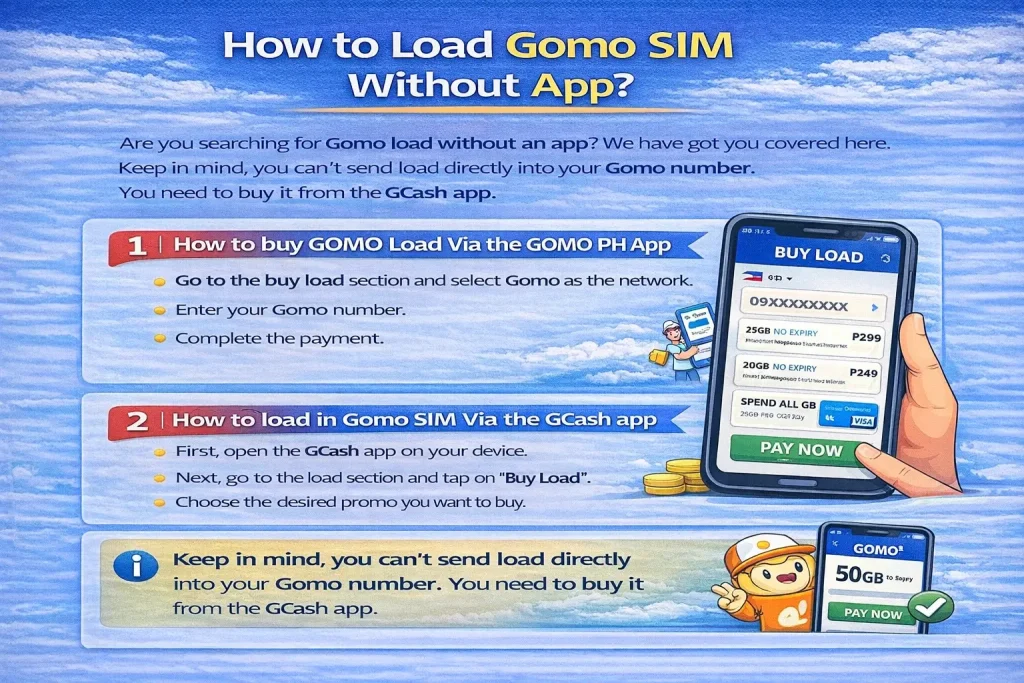
If you want to know how to load Gomo SIM without the app or how to load gomo sim unli data, then use the Gomo Ph. To do this, go to the buy load section and select Gomo as the network. Enter your number and complete the payment. Furthermore, you can check your Gomo balance via the official Gomo Ph app.
How to load Gomo SIM using tpc?
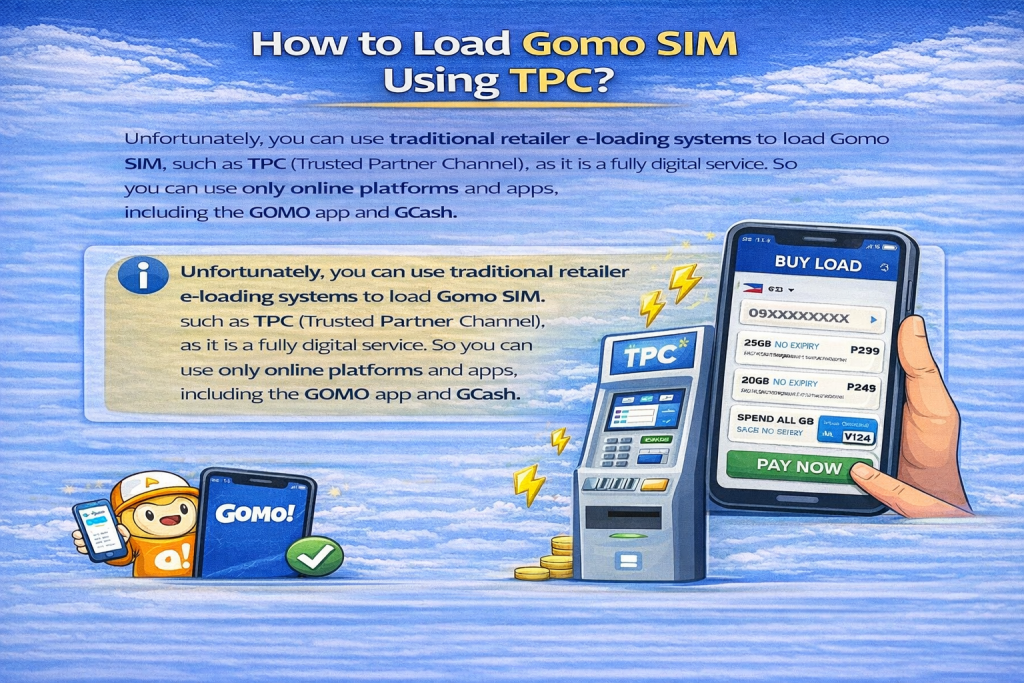
Unfortunately, you can use traditional retailer e-loading systems to load Gomo SIM, such as TPC (Trusted Partner Channel), as it is a fully digital service. So you can use only online platforms and apps, including the GOMO app and GCash.
How to load Gomo SIM without app?
Are you searching for Gomo load without an app, we have got you covered here. Keep in mind, you can’t send load directly into your Gomo number. You need to buy it from the GCash app.
How to load Gomo SIM Using Debit Card?
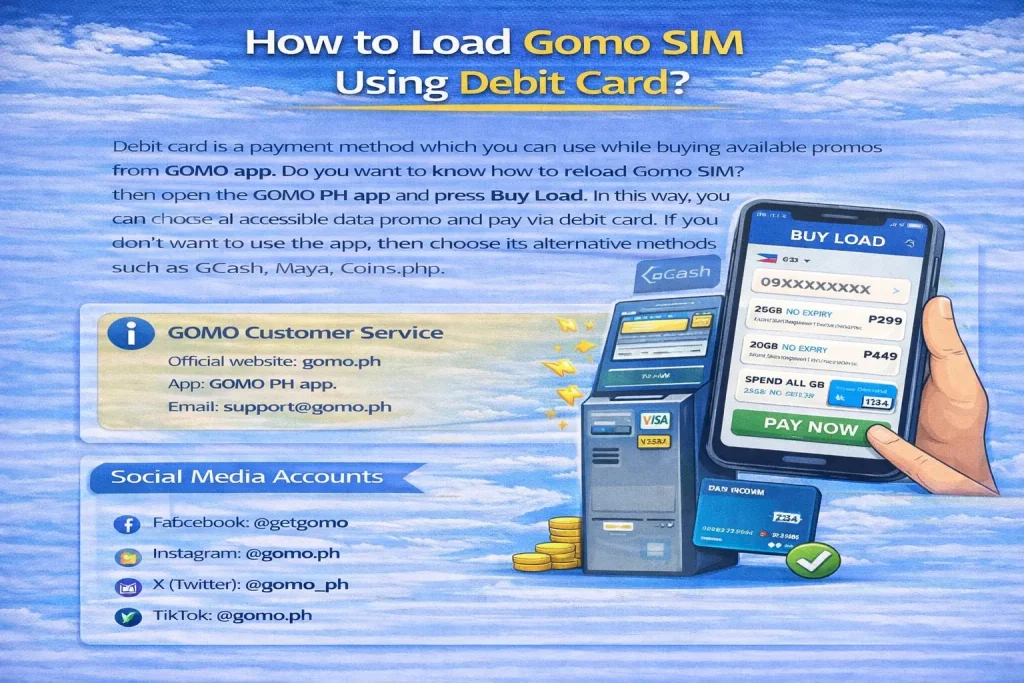
Debit card is a payment method which you can use while buying available promos from GOMO app. Do you want to know how to reload Gomo SIM? then open the GOMO PH app and press Buy Load. In this way, you can choose an accessible data promo and pay via debit card. If you don’t want to use the app, then choose its alternative methods such as GCash, Maya, Coins.php.
GOMO Customer Service
- Official website: gomo.ph
- App: GOMO PH app.
- Email: [email protected]
Social Media Accounts
- Facebook: @getgomo
- Instagram: @gomo.ph
- X (Twitter): @gomo_ph
- TikTok: @gomo.ph
FAQs
Conclusion
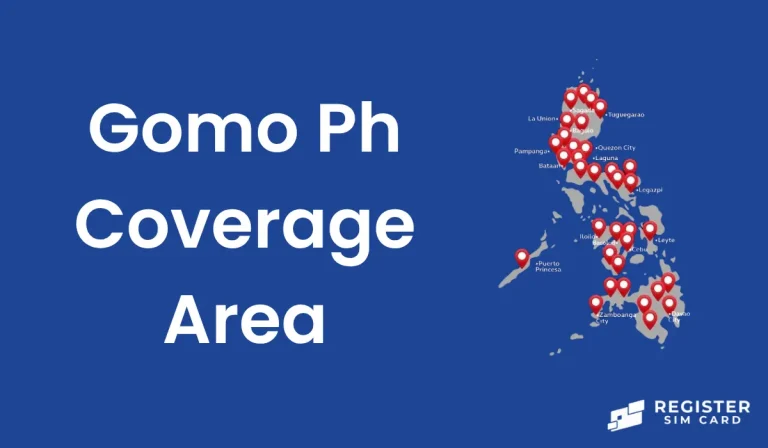
I hope you have received the information regarding loading your GOMO SIM. So why are you waiting? Just load the available promos through Gomo Ph or the GCash app and enjoy the no-expiry data in Gomo Ph coverage area. Gomo is a perfect choice for those who want to enjoy data without worrying about its disappearance. Further, you can also prefer online shopping platforms like Lazada and Shopee for purchasing loads. Let’s take control of your complete data and convert it to unlimited calls and texts.